Voice Mode
It’s like having someone next to you who sees what you see and gets what you mean. Just talk, and Mirra talks back.



Press a key and talk with an AI that can continually see everything you can see. No explaining, just doing.
Now available in beta.
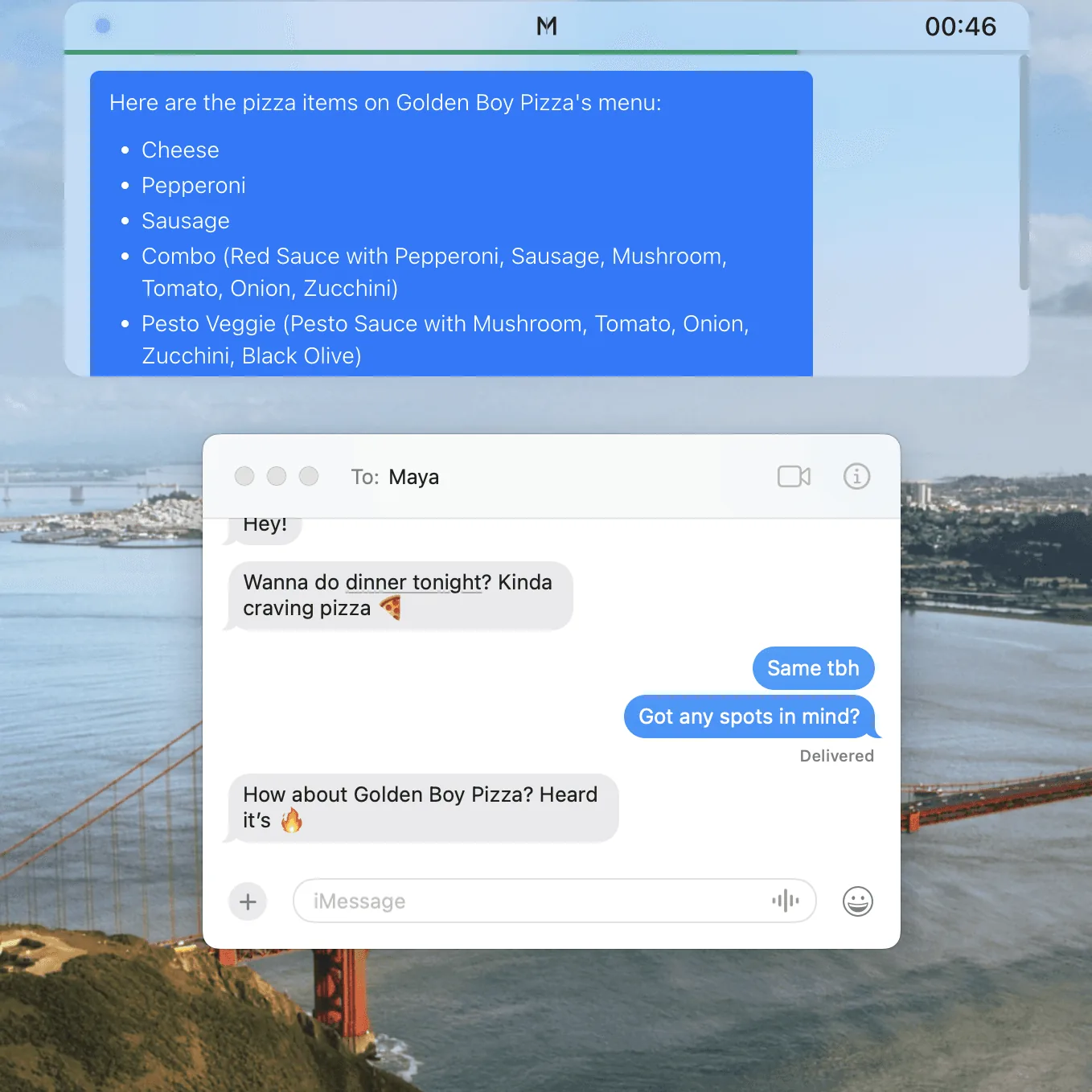
AI that knows what “This” is.
It’s like having someone next to you who sees what you see and gets what you mean. Just talk, and Mirra talks back.
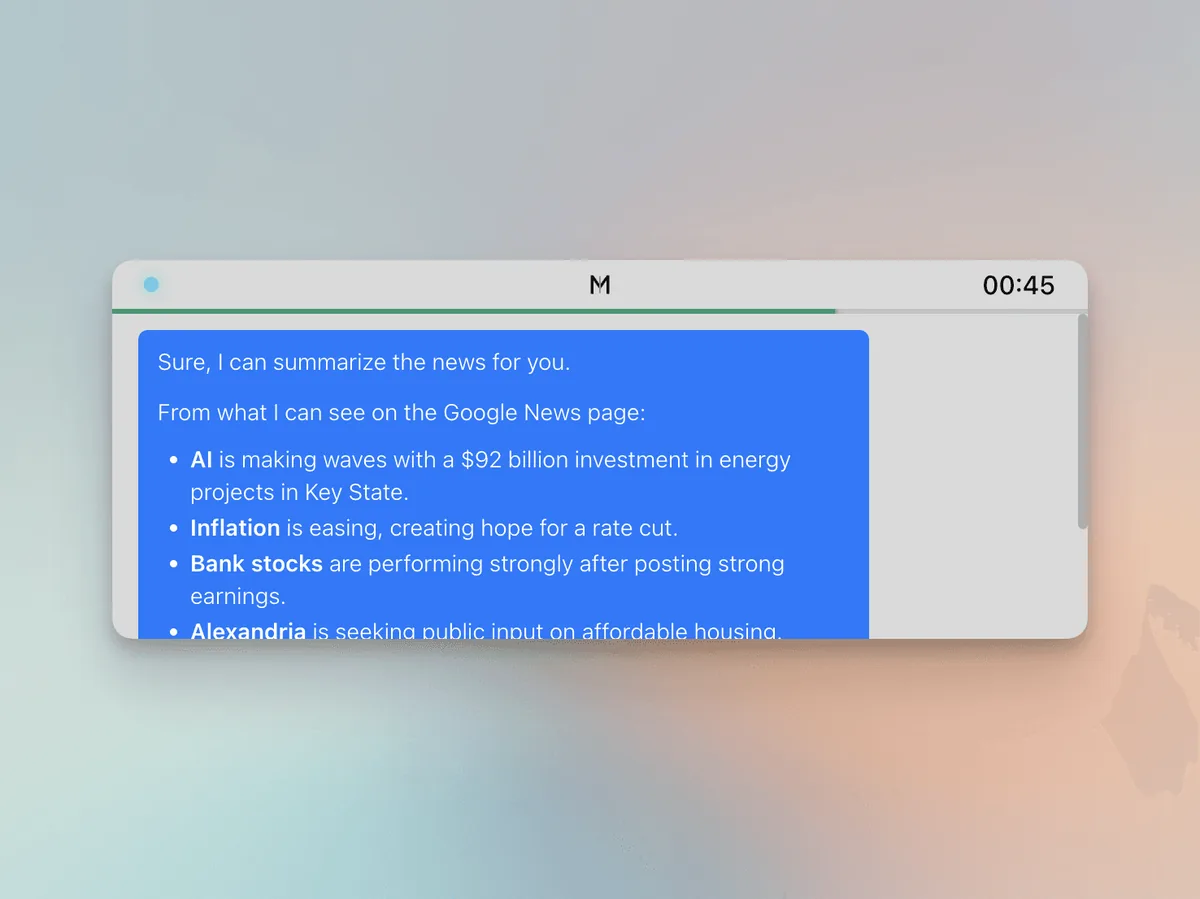
Get instant responses from Mirra in a minimal overlay that stays out of your way.
The AI Interface of the Future.
Mirra searches the internet for up-to-date info when it matters, so you don’t have to.
Mirra instantly writes text and content directly into your clipboard, saving you from typing or copying manually.
Summarize or explain whatever you’re looking at. Mirra even keeps up as you scroll or switch apps.
Get a lifelike and expressive voice that’s strikingly human, powered by the latest in voice AI.
Let Mirra know who you are and what you care about, so responses feel more personal and on-point.
Connect powerful tools and MCP servers to supercharge what Mirra can do.
Free to try out, no matter what you use it for.
Try out Mirra with the Free plan
Everything in Free, with far more usage
Maximum Customization
Quick answers to the most common ones.
Mirra is a live AI assistant for your computer that sees your screen, hears your voice, and helps instantly. No setup, no explaining. Just press a key and talk to it like you would to a real assistant.
Unlike chatbots that wait for you to explain everything, Mirra sees your screen, hears you in real time, and just gets it. It’s not a Q&A box, it’s an always-ready interface that understands what you’re doing and helps instantly, like Jarvis or Cortana brought to life.
No. Mirra only sees and hears when you start a session using your customizable hotkey. Nothing is recorded or processed unless the session is active, and you’re always in control of when that happens.
Mirra is great for quick searches, gut checks, writing help, summarizing what’s on your screen, or getting unstuck when you’re trying to do something on your computer. Just press a key and ask. It’s like having a sharp, tech-savvy coworker always ready to help.
Not yet, but keep your eyes peeled. Features like that are on the way, and they’ll make Mirra even more hands-on when it comes to helping you get things done.
Feel free to send us a message! support@getmirra.com